
A website that works for visitors and your team.
We build the pages, interactions and content tools behind a useful website. The goal is a working experience that helps people complete tasks and gives your team a practical way to manage what comes next.
The required features and editing workflow are defined for each project.
The contact page has a job to do.
Our own website’s contact page is a visible example of interface and form behavior. This is TunaTheme’s site, not a client case study or a performance claim.
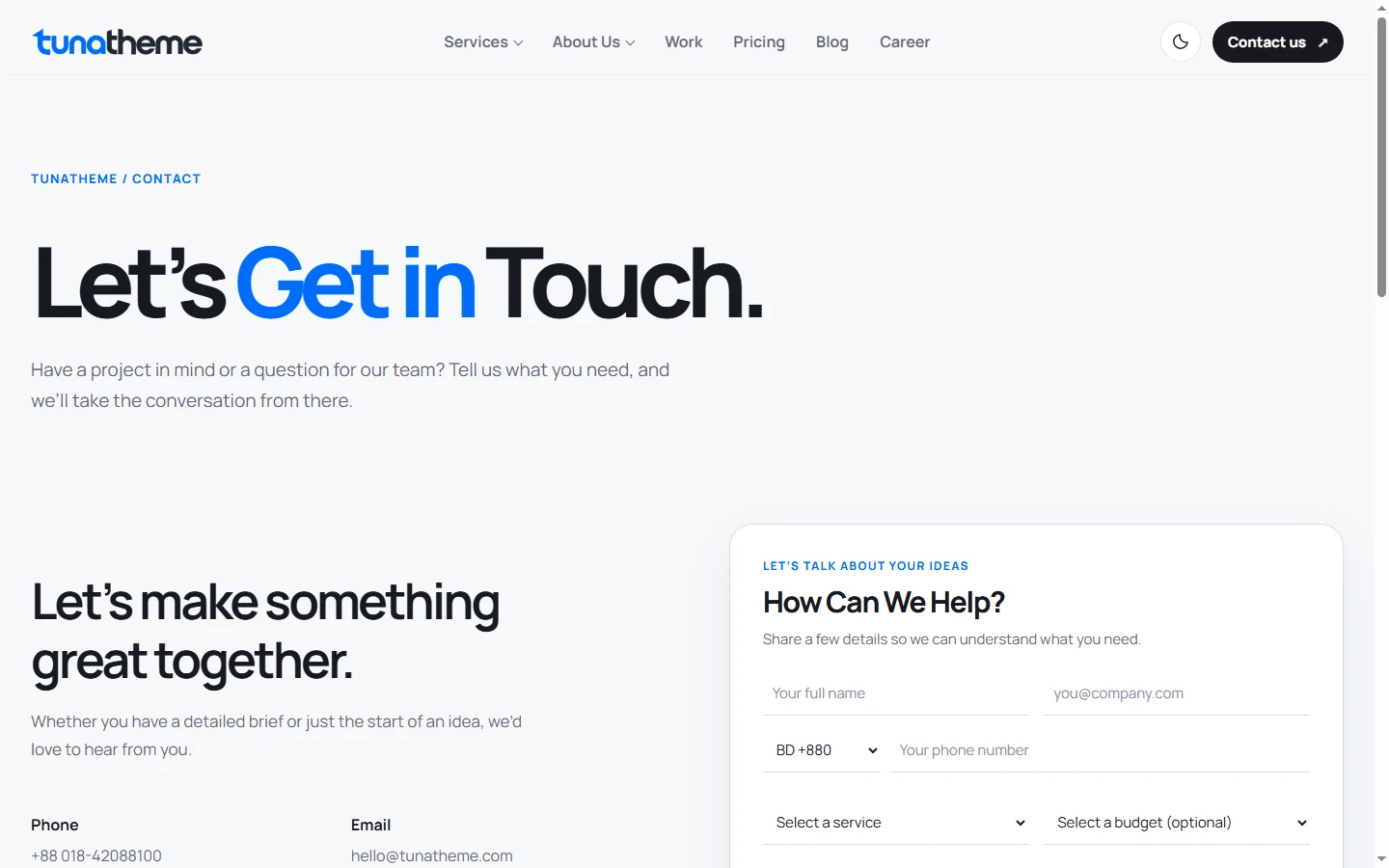
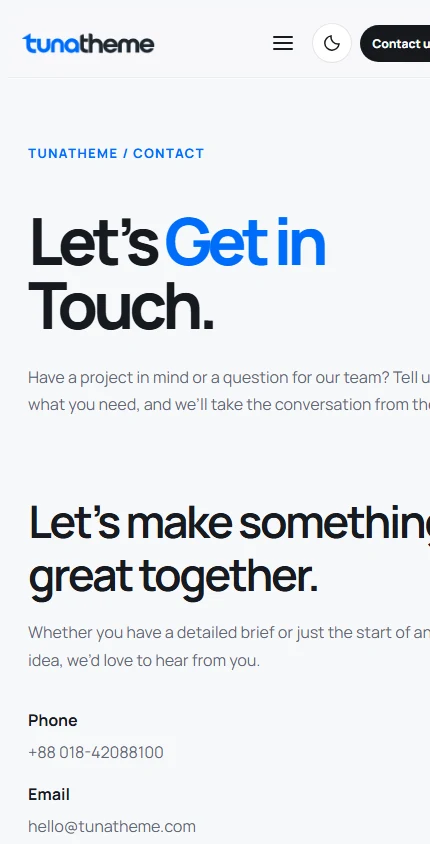
What the working flow includes
- 01
Visitors enter a name, email, service and project details in a labeled form.
- 02
Validation highlights missing information before a request is sent.
- 03
The WordPress inquiry endpoint saves an accepted request to the private lead inbox.
- 04
A success message appears only after the server confirms receipt.
Build what people need to do.
The scope may include these capabilities when they fit the brief. They are not automatic features of every website.
Give editors a workable way to maintain service, article or product information.
Capture enough detail and route submissions to the right team process.
Help people navigate larger sets of content or products.
Support an agreed purchase or reservation journey where required.
Plan data flow and access for tools that need to work together.
Choose the build that fits the work.
Website development focuses on the public site and its content or commerce experience. Operational software has a separate scope and workflow.
The platform follows the requirements.
Editing needs, functionality, integrations, budget and maintenance all affect the recommendation. Third-party platform or licence fees are identified separately in the proposal.
Check the journeys people will use.
The final plan names supported browsers, agreed checks and who signs off. Automated checks alone do not establish complete accessibility.
- Forms and confirmation states
- Navigation, links and redirects
- Responsive layouts and supported browsers
- Content editing workflows
- Roles and permissions where relevant
- Agreed performance and accessibility review
Know when your input is needed.
- 01Client provides content, access and timely decisions.
Scope approval
Agree on pages, functions, integrations and acceptance criteria.
- 02Feedback is reviewed against the agreed scope.
Staging review
See working pages and features before they go live.
- 03Responsibilities for hosting, DNS and connected tools are assigned.
Acceptance and launch
Resolve agreed issues and confirm the launch plan.
- 04Post-launch support is separately defined.
Handover
Explain editing, access and documentation for the agreed build.
Leave with a usable foundation.
The proposal defines code or account access, training, documentation, third-party fees and support terms. Bug fixes tied to the agreed build and new features have different scopes; we make that distinction before work begins.
Before development begins.
Can you build from an existing design?
Yes. We review the files, responsive states and interaction notes before estimating the development work.
Will our team be able to edit content?
We plan editing around the content your team needs to manage. The exact controls depend on the platform and scope.
Do you provide hosting?
Hosting arrangements and account ownership are discussed for each project. Any recurring provider fees are identified separately.
Can the website connect to our existing tools?
We assess available APIs, data flow and access before including an integration in the estimate.
Will we have access to the source?
Source access, third-party components and handover terms are agreed in the project scope.
What counts as a bug fix after launch?
We distinguish an issue with agreed functionality from a new request or changed requirement. The support terms explain how each is handled.
What should the site help people do?
Share the pages, features, platform preferences and tools that need to connect. We will review the brief and explain the next step toward an estimate.
Tell us what the website needs to do
Describe the pages, features, integrations and editing needs.